
How to play on HypePull
Collect cards from your favorite streamers by opening boosters. Here's how it works - on the web now, and on the Twitch extension soon.
On the web
Nothing to install. You play right from your streamer's page on hypepull.com.
1. Free boosters (during the live)
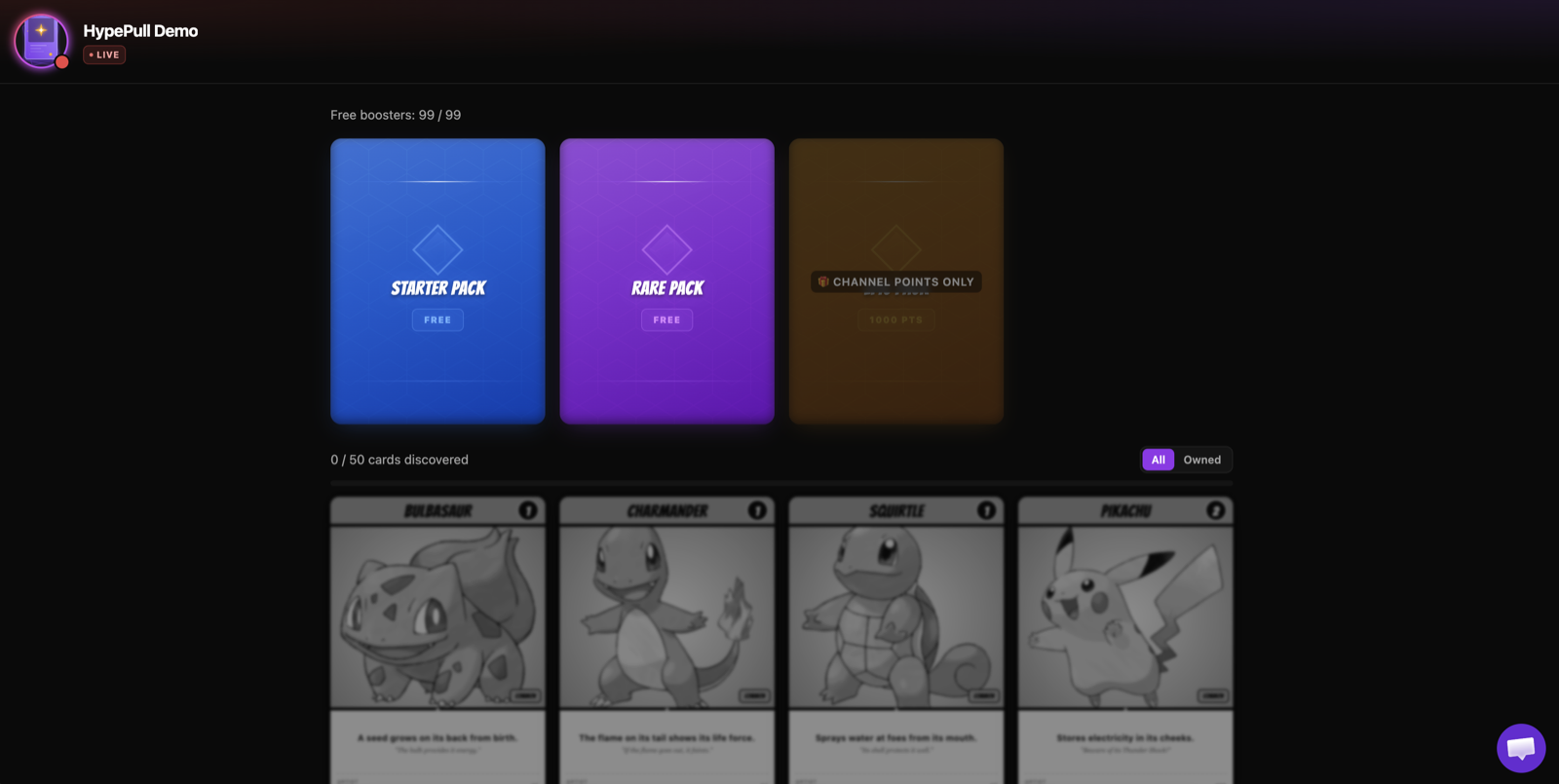
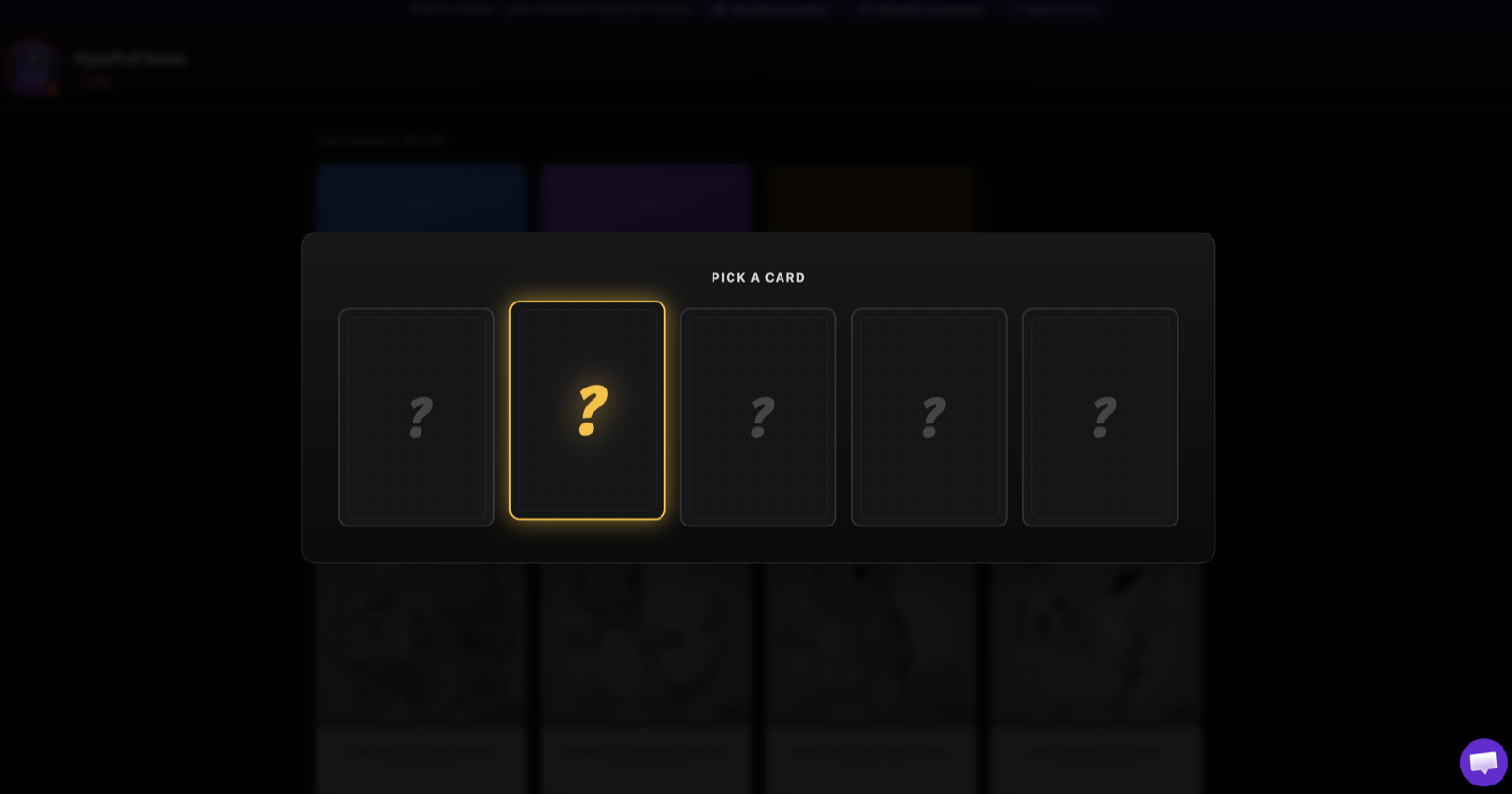
If your streamer offers free boosters, you can open them here while they're live. Look for the "Free boosters: X / Y" counter, click a booster, then pick 1 card out of 5. They refill on their own over time, and pause when the streamer goes offline.
2. Channel points rewards (on Twitch)
For the other boosters, redeem your channel points for the booster reward directly on Twitch during the live. Then come back here: your booster is waiting, ready to open.
3. Open your booster here
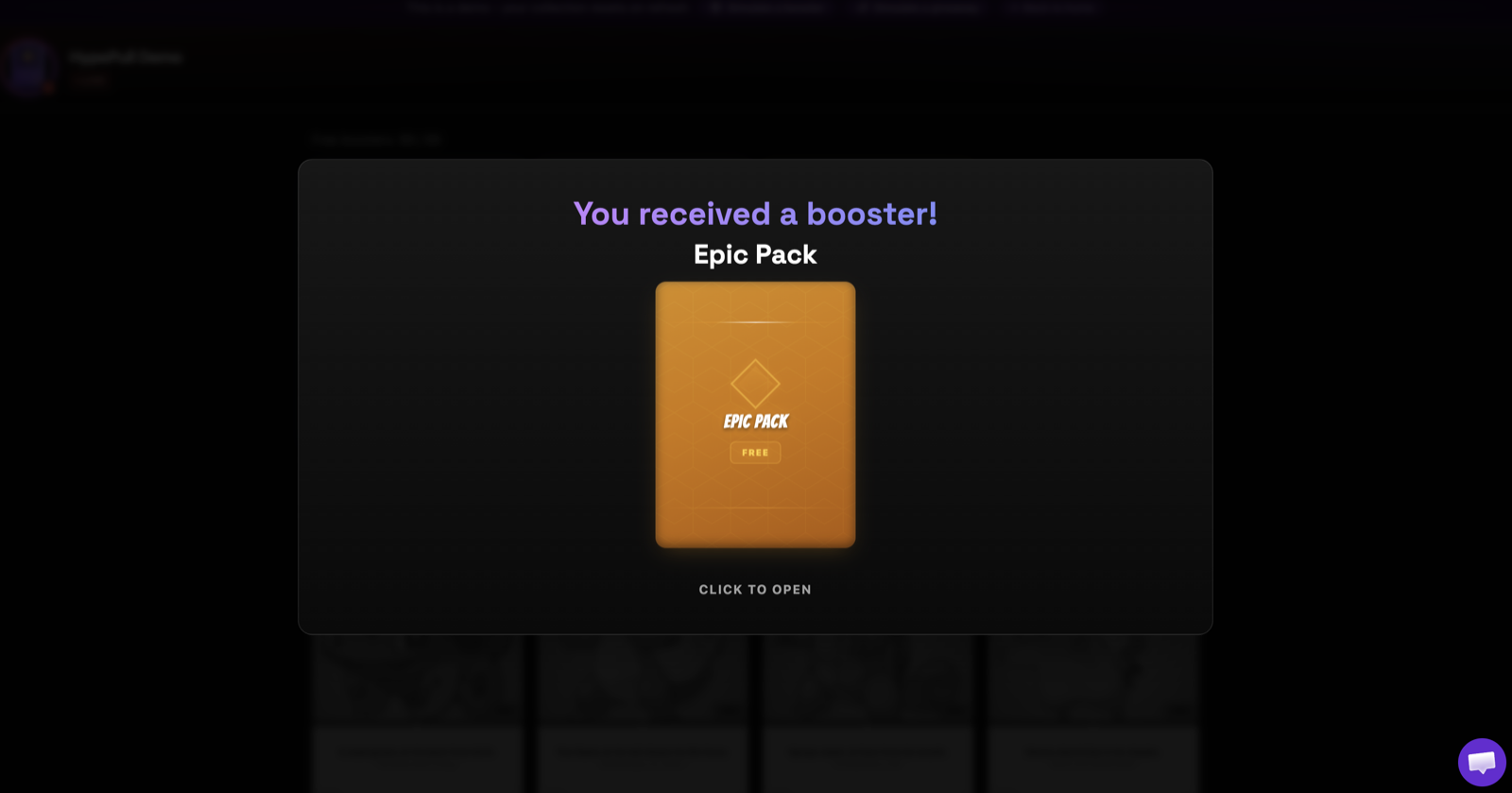
As soon as you get a booster (channel points, sub, gift...), a window pops up on the page: click to open it, then pick your card. No time right now? Set it aside in the "Stash" tab and open it whenever you want.
Giveaways
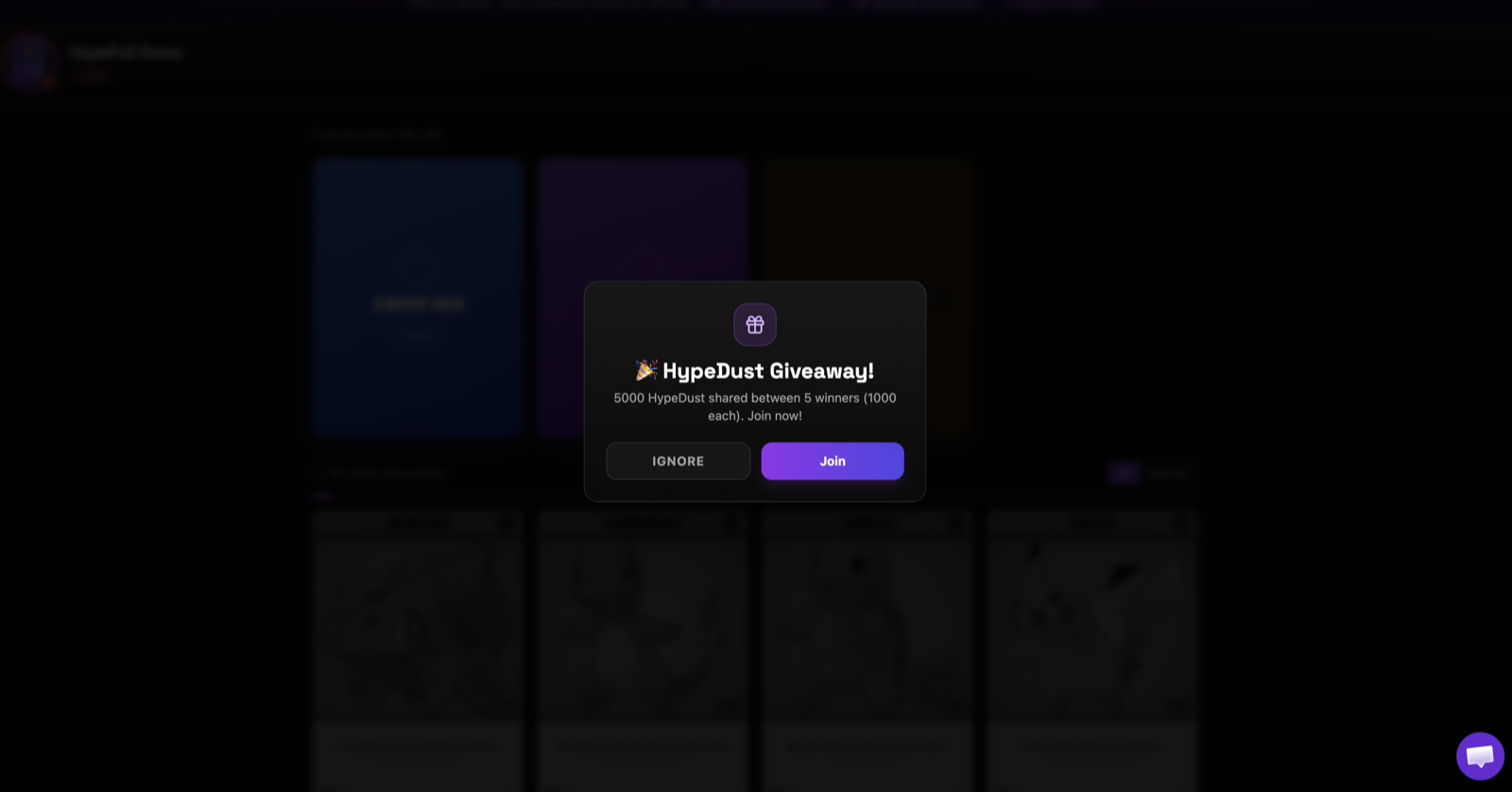
Every now and then, your streamer launches a giveaway. A window appears - click "Join" to enter. If you win, your reward lands right here.
On the Twitch extension
The guide for the Twitch extension is coming very soon.