
Back to home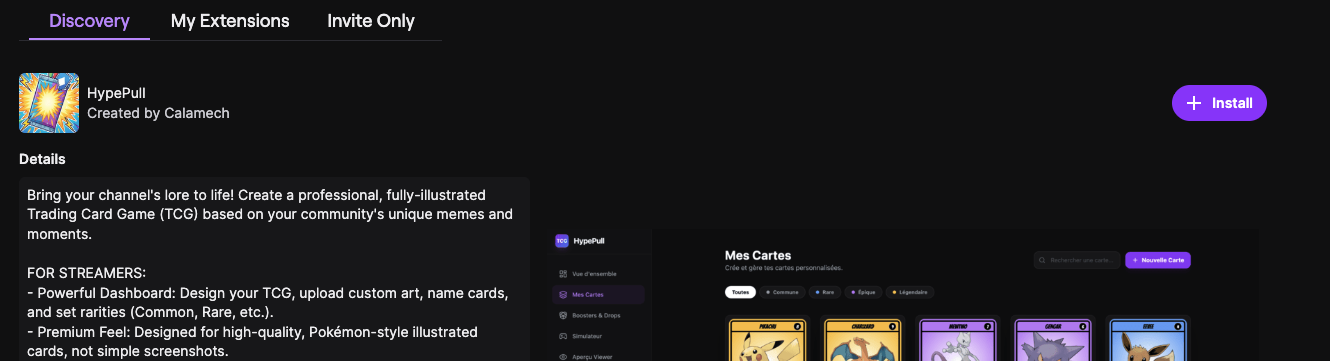
Install the HypePull extension
Add HypePull to your Twitch channel in two steps so your viewers can open boosters and collect cards right under your stream.
1. Install the extension
Open the HypePull extension page on Twitch and click Install in the top-right corner.
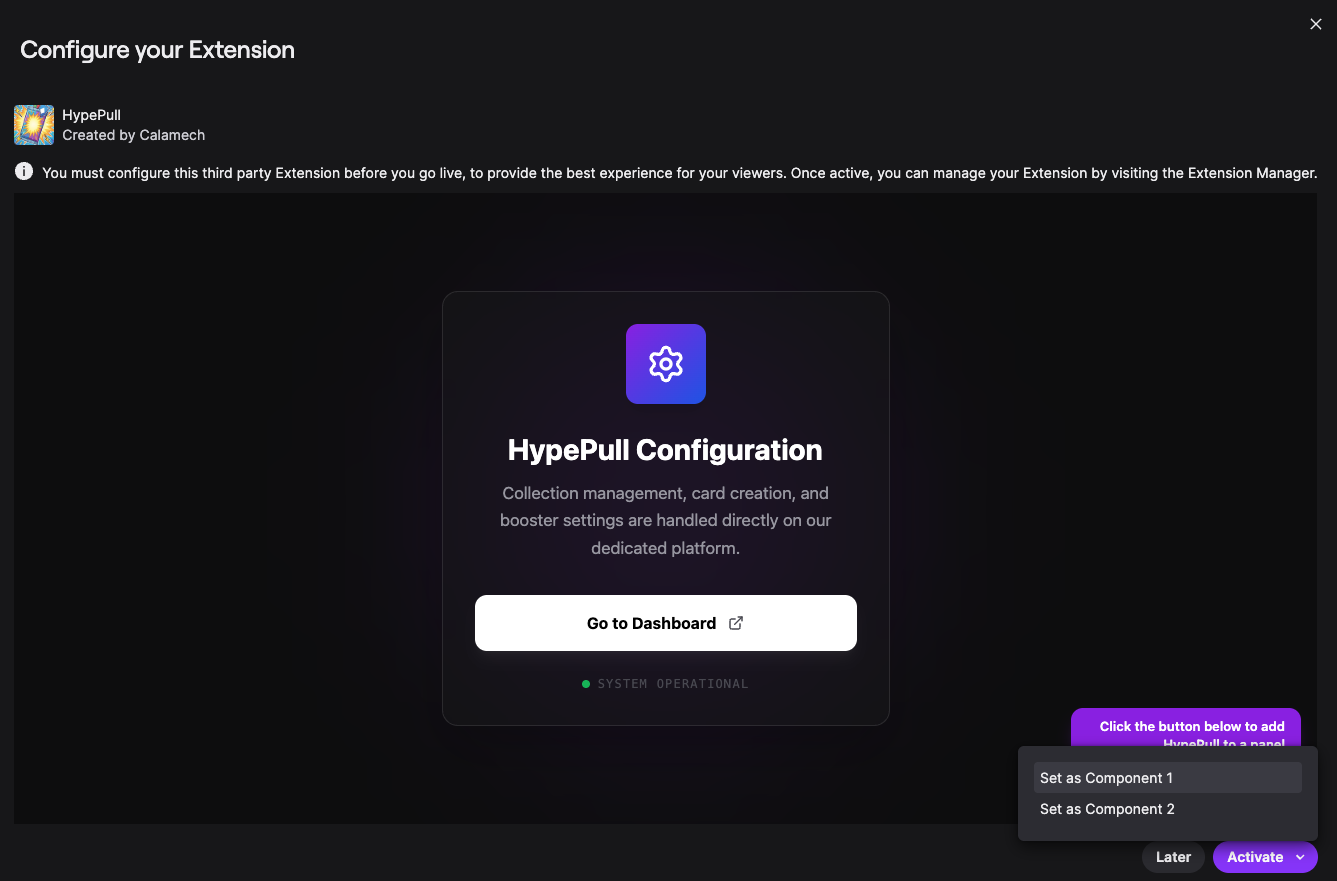
2. Activate it as a panel
Once installed, click Activate, then Set as Component 1 to display HypePull as a panel under your stream.